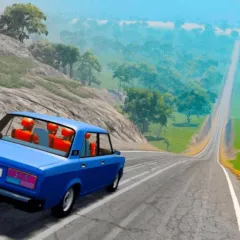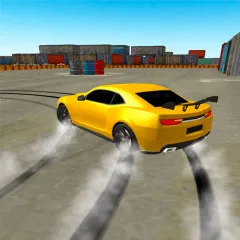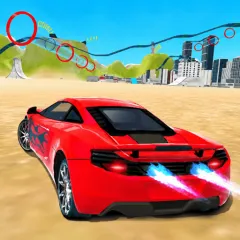
Gearshift One is a driving simulation game combined with a mechanical sandbox, where players can freely customize and experiment with their own car designs. The game opens up a vast space for testing, observing how each small change directly affects how the car performs.
Gearshift One boasts a vast open world, but what makes it unique is the ability to customize that world. You have a special inventory, allowing you to manually place obstacles like containers, build ramps for long jumps, or create challenging tracks with increasing difficulty.
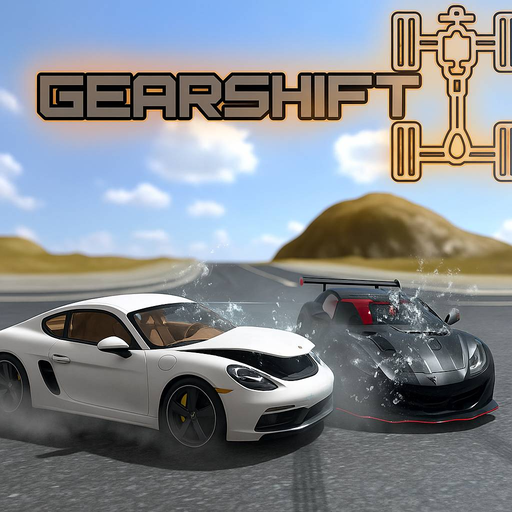
Gearshift One is a mechanical testing space where players constantly adjust, test, and observe how their vehicle changes with each small adjustment.