Sirens wail behind you. You press W, the car shoots down the first street in Tel Aviv, and flashing red and blue lights stick close on your tail. That is the opening scene of BayDay.io, a 3D open-world action game where a bank job drags you into a chase, and the whole city waits for you to explore it.
I pack the BayDay.io loop into three steps: shake off the police, take jobs to earn money, then spend that money on your own empire. You do not have to follow a straight line. The main story, side jobs and free roaming are all open from the start, so you can switch between them whenever you like.
Tel Aviv in BayDay.io is huge, so you get plenty of ways to get around. You walk, drive cars, ride motorcycles, or fly planes and helicopters. When a fight breaks out, you can duck behind cover before you make your move. For a slow pace, cruise the streets. For a fast one, jump straight into a mission.
The online mode in BayDay.io lets you meet other players in the same world. When that mode is on, the T key opens the chat box so you can message people and explore the city together.
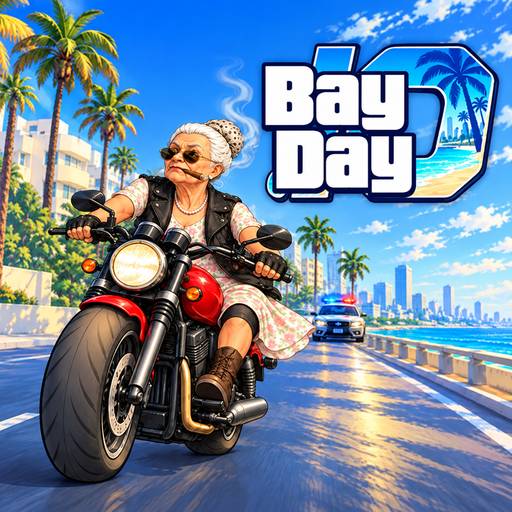
The opening of BayDay.io hands you one clear task: lose the pursuers and break out into the open city. Spot a car nearby and press F to hop in. On a sharp corner, the Space key works as a handbrake, so try it a few times to learn how far your car slides.
Once you are clear, the city opens up. Story missions and side jobs both pay out, and money unlocks everything else in the game. If you are not sure where to go, press M to see the whole city on the map and choose your own direction.
BayDay.io lets you buy weapons, vehicles and properties. The description gives no exact prices, so I will not invent numbers. Here is a way to choose by play style:
Before you spend, open the in-game phone with the P key. It helps you manage activities and stay connected, so a quick look never hurts.
BayDay.io has a lot of keys, so I split them into two groups to make them easier to remember. Learn the group you use now, and look up the other one later.
I built these BayDay.io tips from the game's own control guide. Spend your first few minutes testing which keys feel natural under your hands.
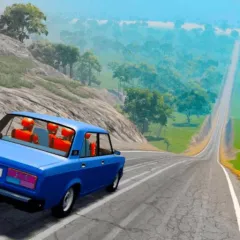
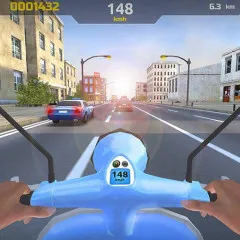
Once you have driven all over BayDay.io and want a change of scenery, a few games share the same taste. To pour everything into two-wheel handling, there is Moto Racing. To play in a city where you make your own fun, try Sandbox City. And when you want to see how another open world builds its city, you have GTA 6.
Press Enter. The key only works in scenes where the game allows skipping, so not every cutscene can be fast-forwarded.
During a skydive, press Space or the left mouse button to open the parachute.
Press R to change the station. For a faster pick, hold R to open the radio wheel.
Hold Alt to open the character or online selection wheel, when that feature is available.
Yes, emergency vehicles get extra siren controls on top of the H key for the regular horn. The source I have does not say which keys they are, so I will not guess for you.
Every street in the city is open, so will you start with a drive or a story mission? Pick the direction that suits you, and the weapon wheel and the map will handle the rest. BayDay.io gives you enough keys and enough vehicles to try every style, so switching course halfway is fine.