I’m not great at skill games. Yet I opened Flip Physics for a few minutes and ended up sitting there until evening. My ragdoll athlete kept flopping to the ground, and I kept laughing and hitting retry.
It’s a gymnastics and parkour simulation where every move is controlled by you. There’s no one-button combo that spits out a perfect flip. You swing on the bar, build momentum, pick your release moment, then rotate your body in the air yourself. Thanks to the ragdoll physics, every fall looks different, and every clean landing feels genuinely earned.
The game is played right in your browser, with no download or installation. Open the page and you’re swinging in seconds.
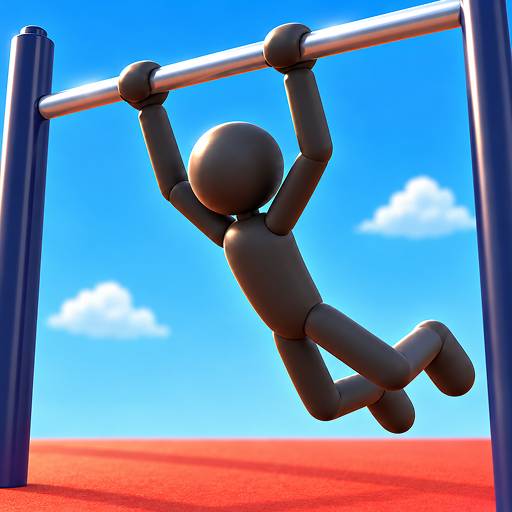
At first I let go way too early, so my character just drifted up and dropped. After many attempts, I figured out a few things:
One personal tip: practice one trick at a time. Get the backflip solid first, then move on to frontflips or twists.
You can also remap keys in Key Bindings if the defaults don’t suit your hands.
After your first flight, the game lets you return to the bar and chain your combo. This is where I failed the most. I realized that spinning too fast sends you far away from the bar. I usually switch to Layout to slow down in the second half of the flight, then watch where the bar is and adjust my posture. The first time I caught the bar, I actually shouted. Every successful regrab multiplies your combo score, and the feeling is fantastic.
No. It’s an online game that you play directly in your browser.
Both. The mouse (hold and release) handles momentum and release, while the keyboard adjusts your posture in the air.
Release at the highest point, tuck with K or ↓, and only open up when you’re about to land.
Usually you’re spinning too fast or releasing too early. Swing a few more rounds and use Layout to slow down.
The game works best on a computer because you need several keys at once.
If you enjoy games where you get better the more you practice, and you don’t mind falling dozens of times, give Flip Physics one session. I promise you’ll want another run, and then another.